I know it is possible that I download several of files using the way you mentioned, but it will be inconvenient if I want to download a number of data
• 1 views
•
link
Hi all!
Does anyone know how to download all chip-seq data(in BED format) of a certain cell type(let's say GM12878) in ENCODE.
I tried search via matrix but can't select specific cell type for download. It can only select a series of cell type(Like I can select all immortalized cell lines, which include GM12878). I only want to download the data related to GM12878.
Any hints?
Thanks a lot for your time and help! : )
Encode project:
Click on each individual links, you will find corresponding compressed BED files under 'Processed data' section.
OR
UCSC track search:
I know it is possible that I download several of files using the way you mentioned, but it will be inconvenient if I want to download a number of data
1) Check the Table icon and download option from the search result where they have instructions for batch/bulk download.
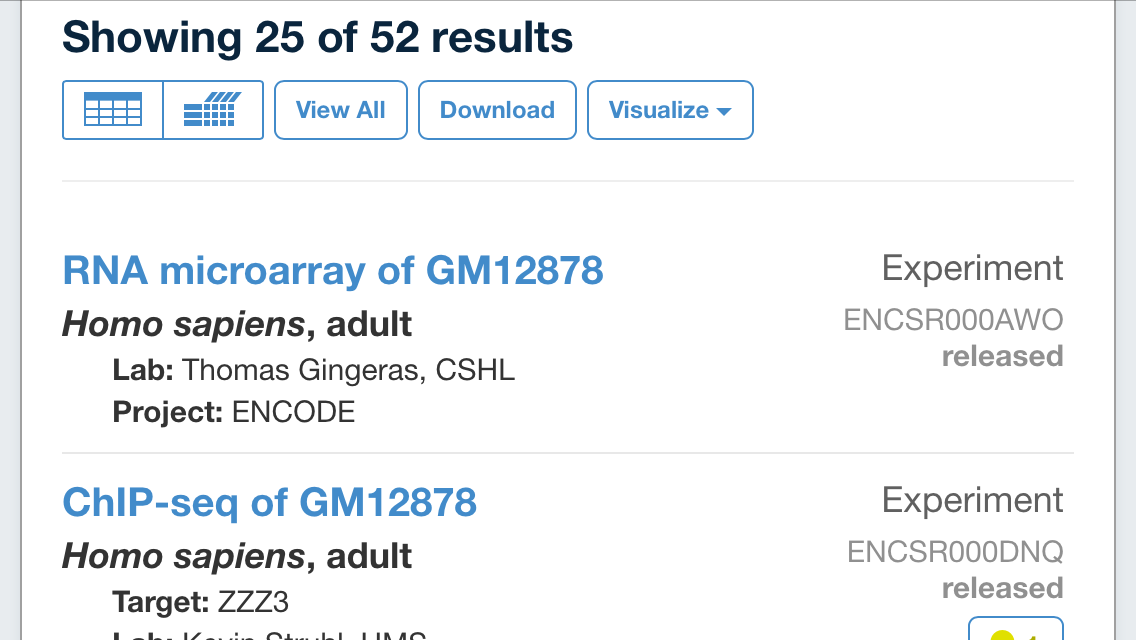
2) I hope the above option works. If not this will be your next option,
https://www.encodeproject.org/files/ENCFF002COO/@@download/ENCFF002COO.bed.gz
https://www.encodeproject.org/files/ENCFF002CPY/@@download/ENCFF002CPY.bed.gz
Since each bed file (for different antibody) for this cell type placed under different project id, it will be difficult to reterive even using globbing function with unix. The only option is you can parse the highlighted ids from array to wget using simple bash. Also for that you have to collect all 52 pairs (or less if you choose filter for only chipseq) of ids from the search result manually.
3) Check the ftp site and use globbing using wildcard with bash script if your mentioned cell type is available,
You can install a tool called BioShed (https://www.bioshed.io), which leverages AWS cloud resources.
pip install bioshed
Installation should be easy by setup might take a while if you don't have an AWS account.
Once installed and setup, you just have to type something like:
bioshed search encode --celltype GM12878
bioshed download encode --filetype BED
I'd be happy to help.
Log in to answer this question.